YouTube Shorts thumbnail downloader
Paste a Shorts link to get its thumbnail. YouTube's file is landscape with the vertical picture in the middle, so downloads here are cropped to that 9:16 strip.
Free, no sign-up. Runs in your browser. Nothing you type or upload is sent to us or stored.
At a glance
- Shape of a Short's thumbnail on YouTube's image server
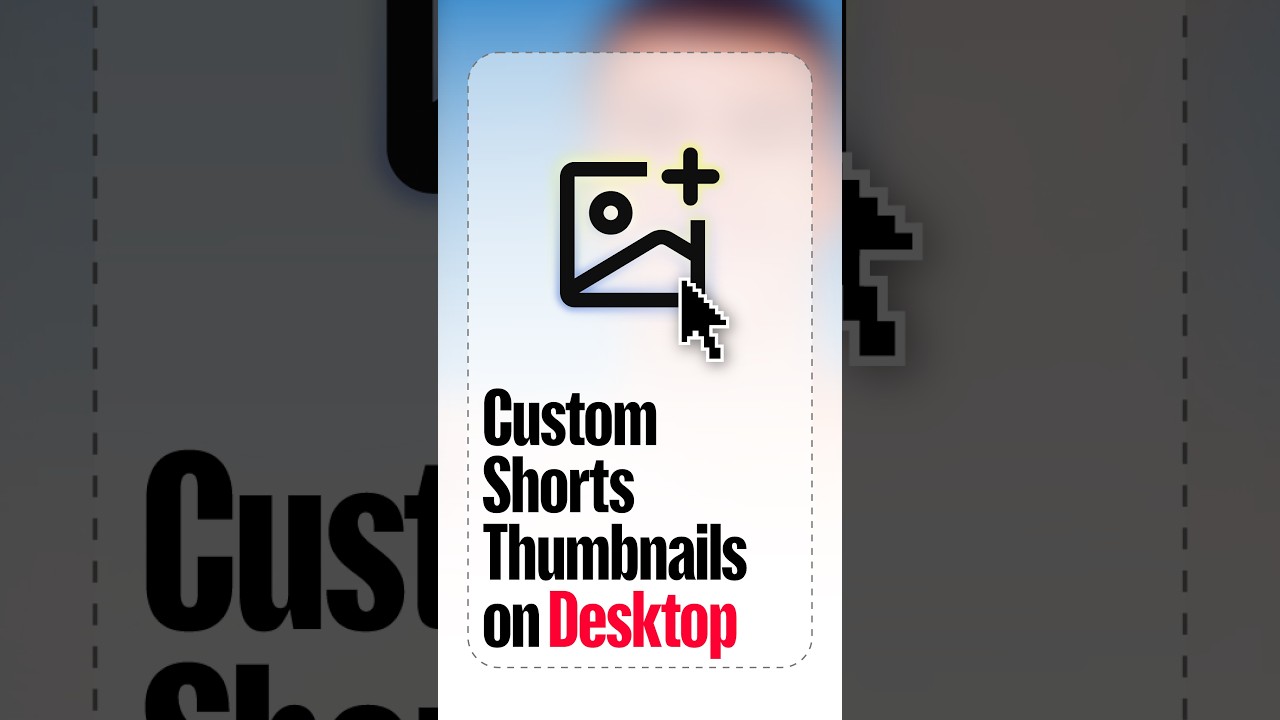
- 1280 × 720 landscape, with the vertical picture in the centre and blurred fill at the sides (checked on two Shorts from YouTube's own channels)
- Source: img.youtube.com, checked 2026-11
- Vertical crop from the HD file
- 405 × 720 pixels, 9:16
- Size YouTube recommends for Shorts thumbnails
- 2160 × 3840 pixels, 9:16, at least 640 pixels tall
- Source: support.google.com, checked 2026-11
- Where you can add a custom Shorts thumbnail
- Only in YouTube Studio on a computer
- Source: support.google.com, checked 2026-11
Show your videos on your page
Paste a YouTube link into a Liite page and it turns into a player, right next to your other links. Your page lives at liite.co/yourname and is free to start.
YouTube Shorts thumbnail downloader: what to know
This page starts the YouTube thumbnail downloader for this case. For every option and how to use it, see the YouTube thumbnail downloader.
Why a Short's thumbnail comes out wide
YouTube keeps a Short's thumbnail at the same addresses and sizes as any other video, from 1280×720 down to 120×90. Those files are landscape. The vertical picture sits in the middle, with a blurred copy of it filling the sides.
The 9:16 crop keeps only the middle strip. From the HD file that's 405×720 pixels. Switch Crop to "As served" if you want YouTube's wide file as it is.
If it's your own Short
The downloaded copy is small next to the 2160×3840 YouTube recommends for uploads, so keep your original if you plan to reuse it. To change a Short's thumbnail, use YouTube Studio on a computer: the phone apps can't do it yet.
Questions
How do I download a YouTube Shorts thumbnail?
Copy the Short's link from the share button, paste it above and download the size you want. The vertical crop is on by default here.
Why is the Shorts thumbnail landscape?
YouTube stores every thumbnail, Shorts included, as a landscape image. The Short's picture sits in the middle, so the tool crops that part out.
Can I change a Short's thumbnail on my phone?
No. For now YouTube only lets you add a custom Shorts thumbnail in YouTube Studio on a computer, and your account must be verified.